PingPort v1.12: Hosting Cost Tracking Is Here
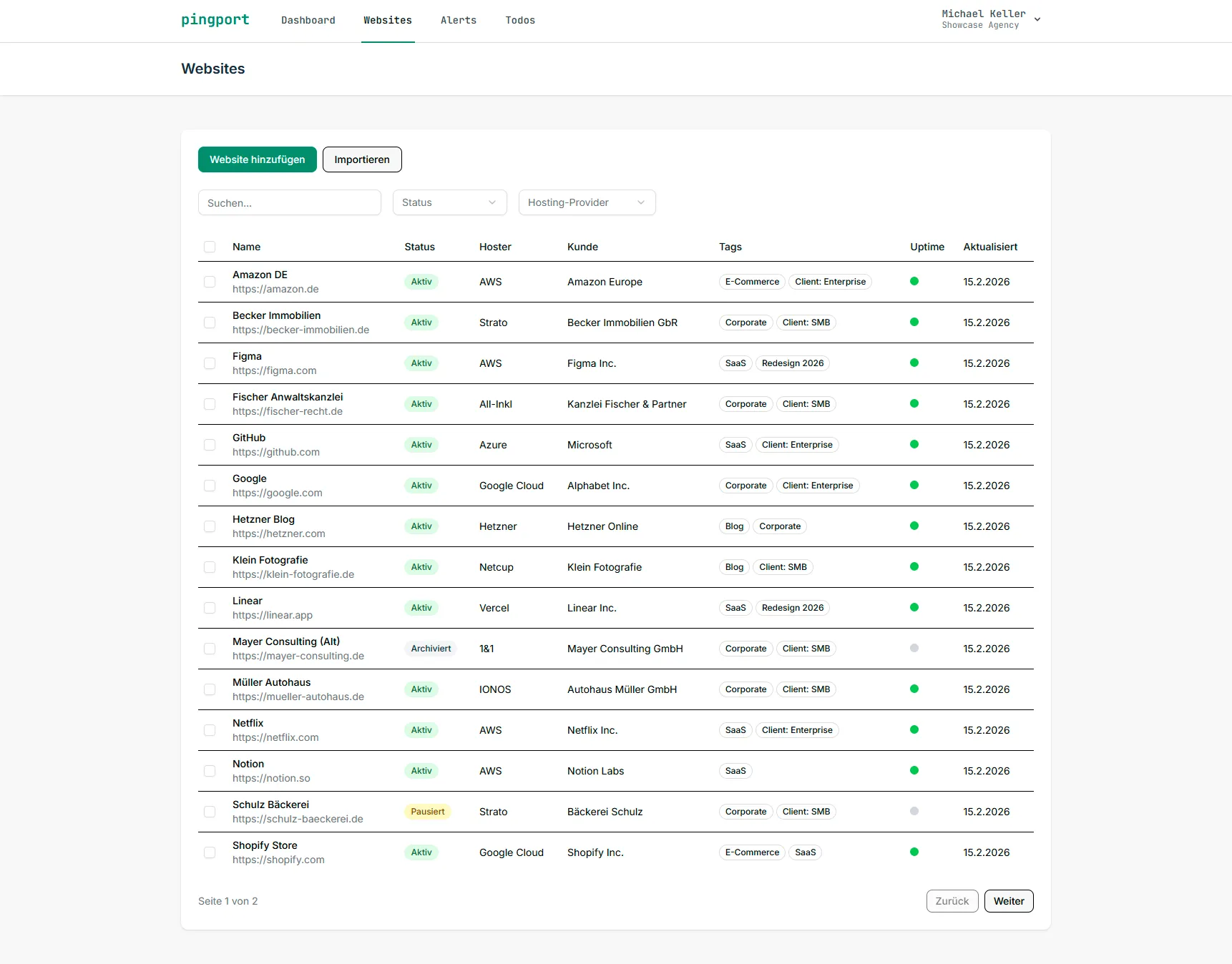
PingPort v1.12: Hosting Cost Tracking Is Here
It was the most requested feature since launch: "What does my hosting actually cost?" With the pingport update to version 1.12, you finally get an answer — right inside your website portfolio.
Why Hosting Cost Tracking?
If you run 20, 50, or 200 websites, you probably have a handful of hosting accounts across different providers. Some are billed monthly, others annually. Some cost 5 euros, others 50. And somewhere in between, you lose track.
Most teams track their hosting costs in Excel spreadsheets, Notion docs, or — let's be honest — not at all. The problem: when a client asks what their hosting costs, things get hectic.
That's over now. pingport v1.12 brings complete hosting cost tracking directly into your website portfolio.
What's New?
Create and Manage Hosting Accounts
You can now create hosting accounts as a dedicated entity in pingport. Each account includes:
- Provider (e.g., Hetzner, Netcup, DigitalOcean, AWS)
- Monthly or annual costs — pingport automatically converts to monthly
- Billing cycle with renewal date
- Notes for internal info (contract number, contact person, cancellation deadlines)
Assign Websites
Every website can be assigned to a hosting account. This lets you see at a glance:
- Which websites run on which account
- How many websites share an account
- What the account costs per website (proportional costs)
Assignment works directly when creating or editing a website — one dropdown, done.
Dashboard Widget
The dashboard gets a new hosting cost widget that shows you at a glance:
- Total monthly hosting costs across your portfolio
- Number of active hosting accounts
- Average cost per website
No more mental math, no more digging through spreadsheets. The number is right there.
Quick-Create from the Website View
You're adding a website and realize the hosting account doesn't exist yet? No problem. The quick-create button right in the website form lets you create the account without leaving the page.
API Support
Hosting accounts are also available via the REST API starting with v1.12. This means you can programmatically fetch hosting costs and integrate them into your accounting, reporting, or custom dashboards.
Getting Started
You can set up your first hosting cost tracking in 5 minutes:
- Navigate to Hosting Accounts in the main menu
- Create your first account — enter provider, costs, and billing cycle
- Assign websites — either from the hosting account or directly in the website editor
- Check the dashboard — your hosting cost widget shows the total overview immediately
That's it. No configuration, no import steps, just get started.
What Else Is in v1.12?
Besides hosting cost tracking, v1.12 includes several other improvements:
- Recovery threshold for notifications — configurable how many successful checks are required before a recovery notification is sent
- Optimized email scheduling — paused and archived websites are now correctly handled in scheduled emails
- Performance improvements for uptime queries on large portfolios
You can find the full changelog in the release notes.
What's Coming Next?
We're already working on the next features. On the roadmap:
- Hosting cost reports as PDF export
- Notifications for expiring hosting contracts
- Extended filters by hosting provider and cost range
Got feedback or feature requests? Let us know — we build pingport with input from real users.
Don't have a pingport account yet? Start for free — 5 websites, free forever. Hosting cost tracking is available on the Paid plan.